 DevCat
More
Notes
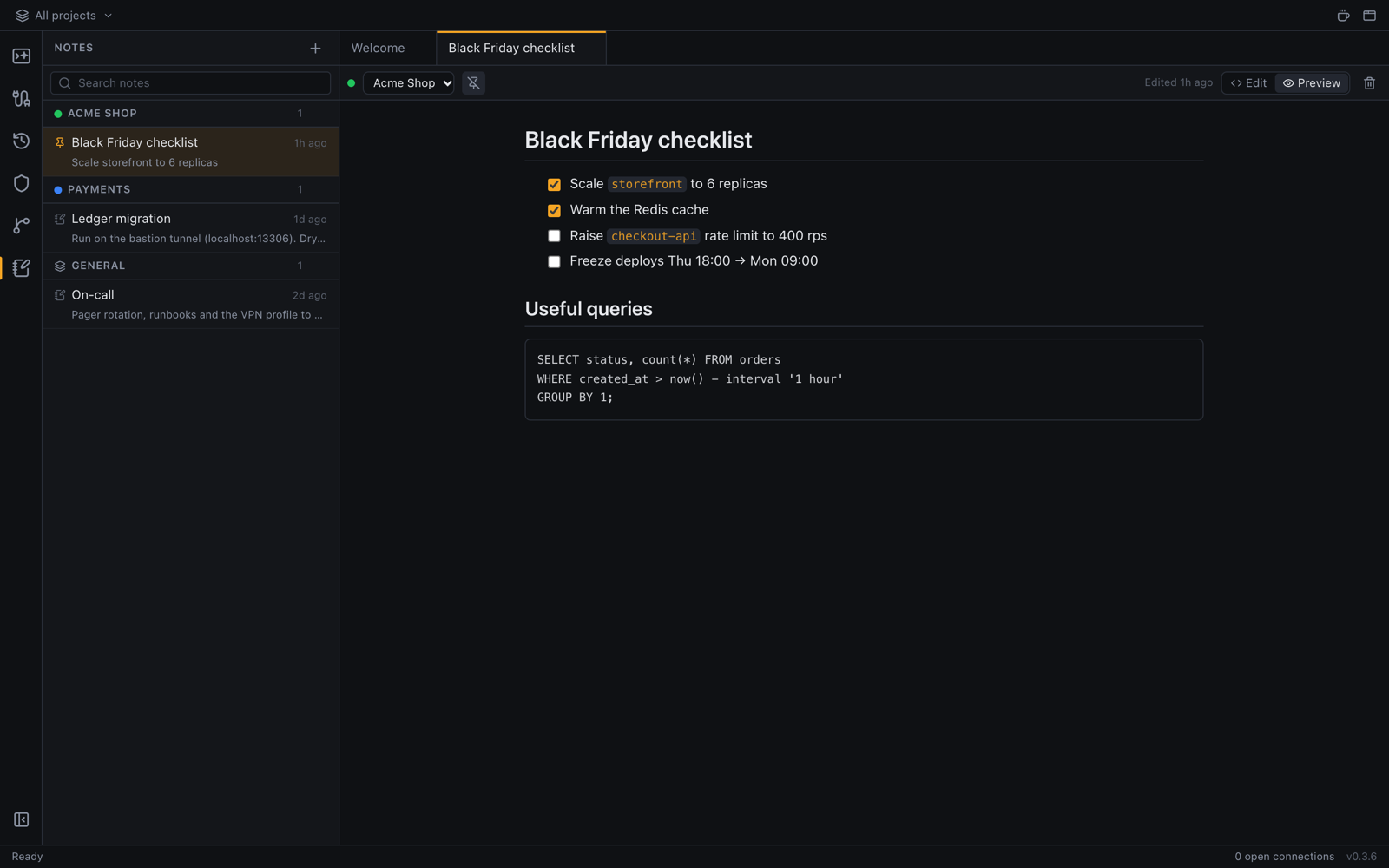
Keep Markdown notes next to your work, per project or for everything, saved as you type.
Write a note
- Click Notes in the left bar.
- Click New note.
- Write in Markdown. The note saves as you type; ⌘S (Ctrl+S) saves at once.
Switch between Edit and Preview with the buttons or ⇧⌘V (Ctrl+Shift+V).
Organize notes
- A note belongs to a project (shown only while that project is focused) or to General (shown everywhere).
- Move a note to another project at any time.
- Pin the notes you need most so they stay on top.
- Search finds notes by title and text.