 DevCat
Getting started
Introduction
What DevCat is, what's in the window, and where to start reading.
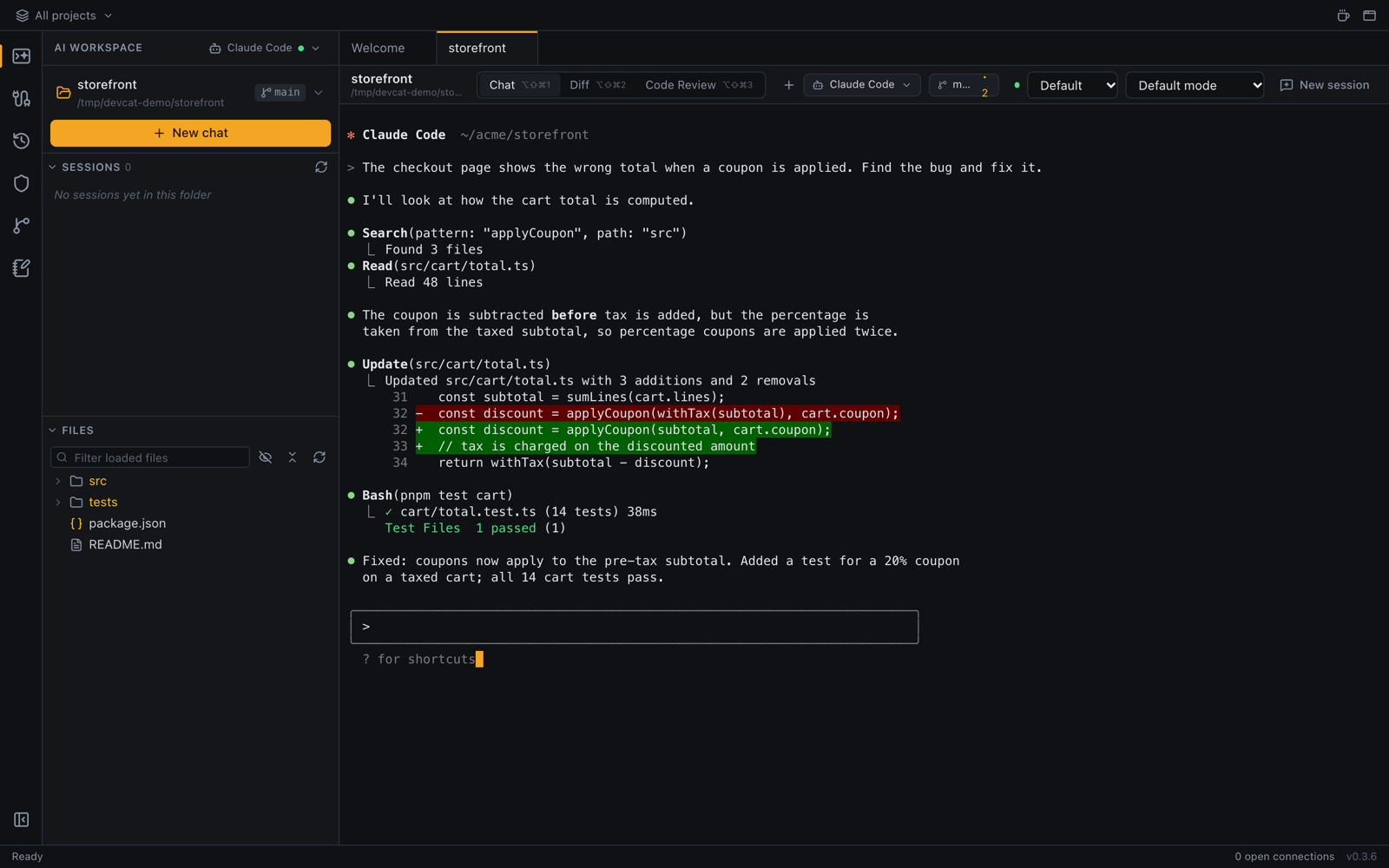
DevCat is a desktop app for developers. It puts your coding agent, your Git repositories, your databases, your Kubernetes clusters, RabbitMQ and your VPNs in one window, grouped by project. It runs on macOS, Windows and Linux, and needs no account.
What you can do
| Area | What it covers | Read |
|---|---|---|
| AI workspace | Claude Code, Codex, Gemini CLI, Copilot, Aider, opencode or your own CLI in a real terminal, with the diff, code review and the project's files | AI workspace |
| Git | Every repository in a folder, commit graph, blame, branches, stashes, fetch / pull / push | Git |
| Databases | PostgreSQL, MySQL / MariaDB, SQLite, SQL Server, MongoDB, Redis, with a SQL editor and a data grid | Connections |
| Infrastructure | Kubernetes (any kubeconfig context) and RabbitMQ | Kubernetes |
| Network | OpenVPN, WireGuard, SSH tunnels and Kubernetes port-forwards | VPN and tunnels |
| Phone | DevCat Mobile and the browser version: answer your agent, run a query or check a pod from your phone | DevCat Mobile |
How the docs are organized
- Getting started covers installing, the parts of the window, and the keyboard shortcuts.
- Each area of the app then has its own pages, in the order of the icons in the left bar.
- Troubleshooting at the end lists the problems people run into most.
Getting help
Found a bug or missing something? Open an issue on GitHub. Every page here has an Edit this page on GitHub link at the bottom if you'd like to improve it.